Know the total
Use the calculator so the total and each repayment are clear before you apply.

Applications currently go through a paid partner route. Here is exactly where the button takes you, what we pass on and what to check before you share any details. This website never collects your details or documents.
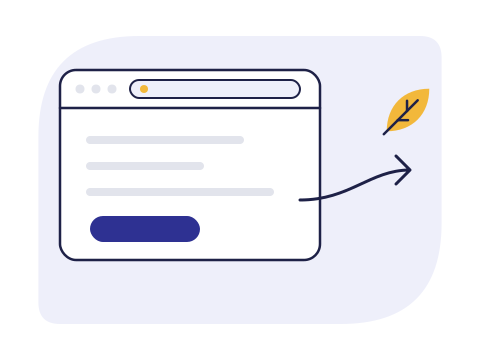
RandLeaf’s own application service isn’t open yet. Until it is, the Apply online button takes you to a partner’s online application, reached through the LeadGid affiliate network.
Opens in this tab. We count clicks on this button (only the website and the button’s position, no personal data); see how and switch it off.
Every application is assessed.
A previous loan, with RandLeaf or anyone else, does not guarantee approval.
Use the calculator so the total and each repayment are clear before you apply.
Age, ID, your own bank account and an income you can show.
On the partner’s page, look for the credit provider’s name and NCR number before you type anything.
If you’d rather ask before applying, contact us. Please don’t send your ID or bank details by email or chat.
Phone number not yet published
Support hours in SAST are published with the number.
Email address not yet published
Clicking an address opens your own email app. Nothing is sent from this website.
Only if a verified number is confirmed
Never send your ID, bank details or PIN in a chat.
The four steps from estimate to payout, and who sees your details at each one.
Your ID, proof of income and banking details, and how to share them safely.
What changes, and what doesn’t, when you apply again.